

Switch WordPress themes without breaking your site
WordPress Theme Upgrade Service
A safe migration to a new or upgraded WordPress theme, with child theme setup, full settings preservation, and visual testing on every key page.
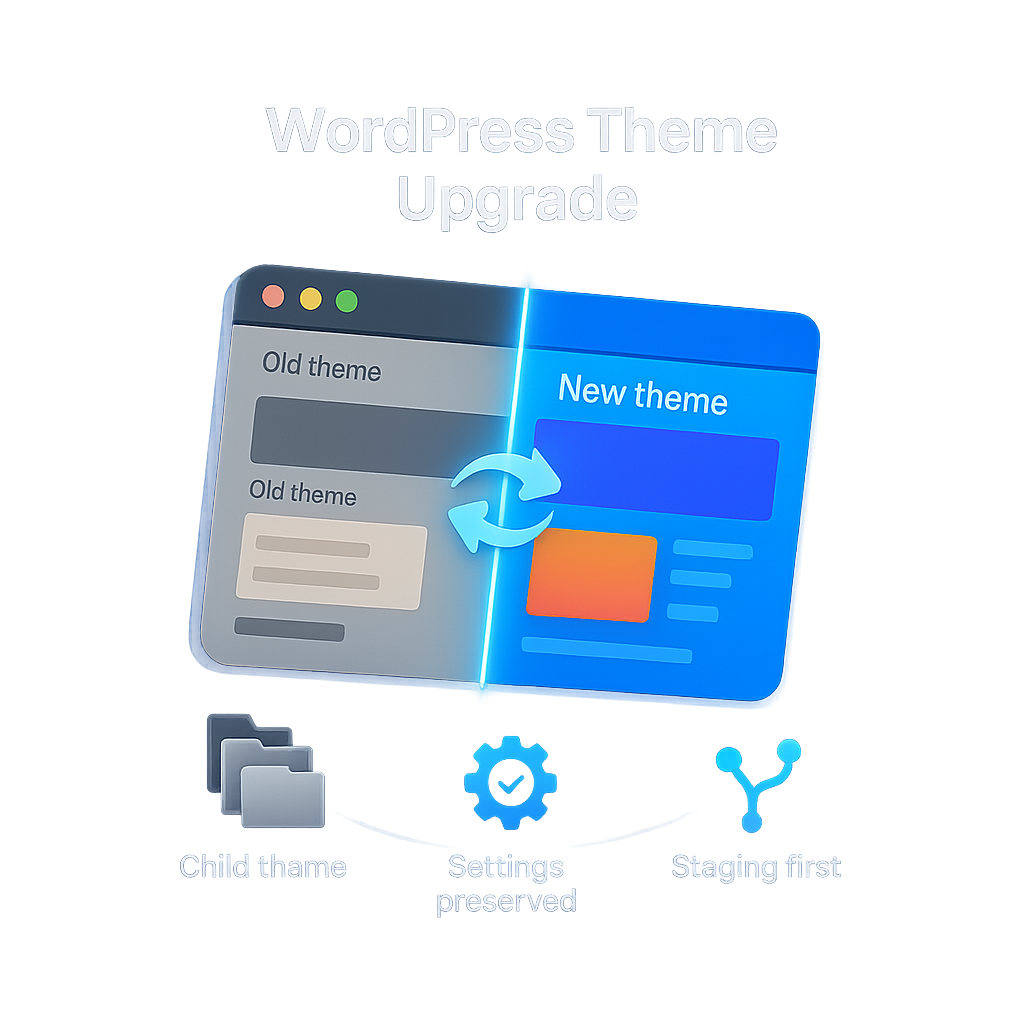
Service Overview
WordPress site owners on an aging theme get a safe migration to a new or upgraded theme without losing settings or breaking the front end. Child theme creation, settings preservation, and full visual testing are all included, per site.
Why theme upgrades fail
Most WordPress theme upgrades go wrong the same way. Customiser settings get wiped, custom CSS vanishes, widget areas stop matching the new theme's sidebar names, and a previously polished homepage loads with mismatched spacing, missing fonts, or broken layout blocks. The usual pattern is that the switch happens in production, issues surface after users see them, and rolling back means losing whatever content edits were made in between.
What this service does
We run the upgrade on a staging copy of your site first. A dedicated child theme is created for the target parent theme, so future updates never overwrite your customisations. Customiser settings, menus, widget assignments, and theme options are exported from the old theme and reapplied carefully on the new one. We then run visual regression testing across your homepage, key landing pages, and mobile breakpoints so layout breaks are caught before go live.
Who delivers the work
The migration is handled by a WordPress engineer on our maintenance team, not a junior content admin. Work happens on staging, is reviewed internally, and is deployed to production only after your written approval. You receive a change log on handover, so it is clear what was migrated, what was rebuilt, and what was left in place.
Who this is for
Buy this addon if you are on our Starter, Standard, or Grow maintenance plan and you need to upgrade to a newer version of your current theme, switch to a different theme altogether, or move off a discontinued theme that is no longer receiving security updates. The service is priced per site, billed onetime, and applies to WordPress and WooCommerce sites only.
Settings Preserved
Customiser, menus, widgets, and theme options carry over cleanly to the new theme.
Child Theme Built In
A dedicated child theme protects future updates from overwriting your customisations.
Visual Regression Tested
Layout breaks are caught on staging across key templates and mobile breakpoints.
What is Included
Checklist
How It Works
Order and scope review
You purchase the addon and share access. We review your current theme, target theme, and the customisations that must be preserved.
Child theme and settings migration
We build a child theme for the target parent theme on a staging copy of your site and migrate settings, menus, and widgets.
Visual testing
We run regression testing across homepage, key templates, and mobile breakpoints, so layout issues are caught on staging, not production.
Go live and handover
After your written approval, we deploy to production and share a change log covering exactly what changed.
Yes. Customiser options, menus, widget area assignments, and theme settings are exported from your current theme and reapplied on the new one. If a setting has no equivalent on the target theme, we flag it in the change log rather than dropping it silently.
No. The child theme is built and the migration is performed on a staging copy of your site. We deploy to production only after your written approval, so visitors never see a half-migrated page.
A child theme is the only safe place to keep customisations on WordPress. Without one, the next parent theme update silently overwrites your CSS, template overrides, and function tweaks. We build the child theme as part of the migration so future updates stay safe.
Any actively maintained WordPress theme that follows standard theme structure, including premium themes from ThemeForest, official WordPress.org themes, and major commercial themes such as Astra, GeneratePress, Kadence, Divi, and Avada. Custom-coded or heavily forked themes are reviewed on a case-by-case basis during scope review.
If incompatibility is identified during initial scope review (before child theme work begins), the engagement is paused and the fee is refunded at our discretion. Once child theme or staging work has started, the fee is non-refundable but we will recommend a safe alternative path.
Most upgrades complete within 5 to 10 business days from access handover, depending on the volume of customisations and the number of key templates to regression-test. Complex multilingual or WooCommerce sites can take longer; we share an estimate after scope review.
Yes. Issues directly caused by the migration are covered for 14 days after go-live at no extra cost. Unrelated changes you make to content, plugins, or settings after go-live fall under your standard maintenance plan.
Page builder content is preserved when both themes work with the same builder. If the new theme uses a different builder, we flag affected pages during scope review so you can decide whether to rebuild them as part of the migration or keep them on the old builder.
- This service is billed per site. One theme upgrade or switch is covered by a single purchase.
- The addon is applicable only to WordPress and WooCommerce sites on Starter, Standard, or Grow maintenance plans.
- The addon is not applicable to sites on the All Platforms maintenance track.
- You are responsible for providing administrator access and any premium theme licences required for the target theme.
- Scope covers child theme creation, settings preservation, and visual testing on the existing front end layout. Custom design work, new page builds, or content restructuring are out of scope.
- Payment is onetime and non-refundable once work has begun on the child theme or staging environment.
- If the target theme is found to be incompatible during the initial scope review, the engagement may be paused and the fee refunded at our discretion.
- Confidentiality of credentials, site data, and business information is maintained per the master service agreement.
- Post go live fixes for issues directly caused by the migration are covered for 14 days.
Related Services
You might also be interested in these services.
A unified maintenance program that combines security, backups, monitoring, performance, SEO, and human support - mana...
A bundled program that combines cloud hosting, domain renewal, NitruxCDN, maintenance, security, accessibility, and e...
End-to-end blacklist removal, we identify every listing, clean the cause, and file the review requests with each vendor.
WordPress and PHP site owners get a clean PHP version upgrade on hosting, with plugin and theme compatibility testing...
Sites with a history of URL changes or migrations get a full audit across 8 HTTP error code categories, proper 301 re...
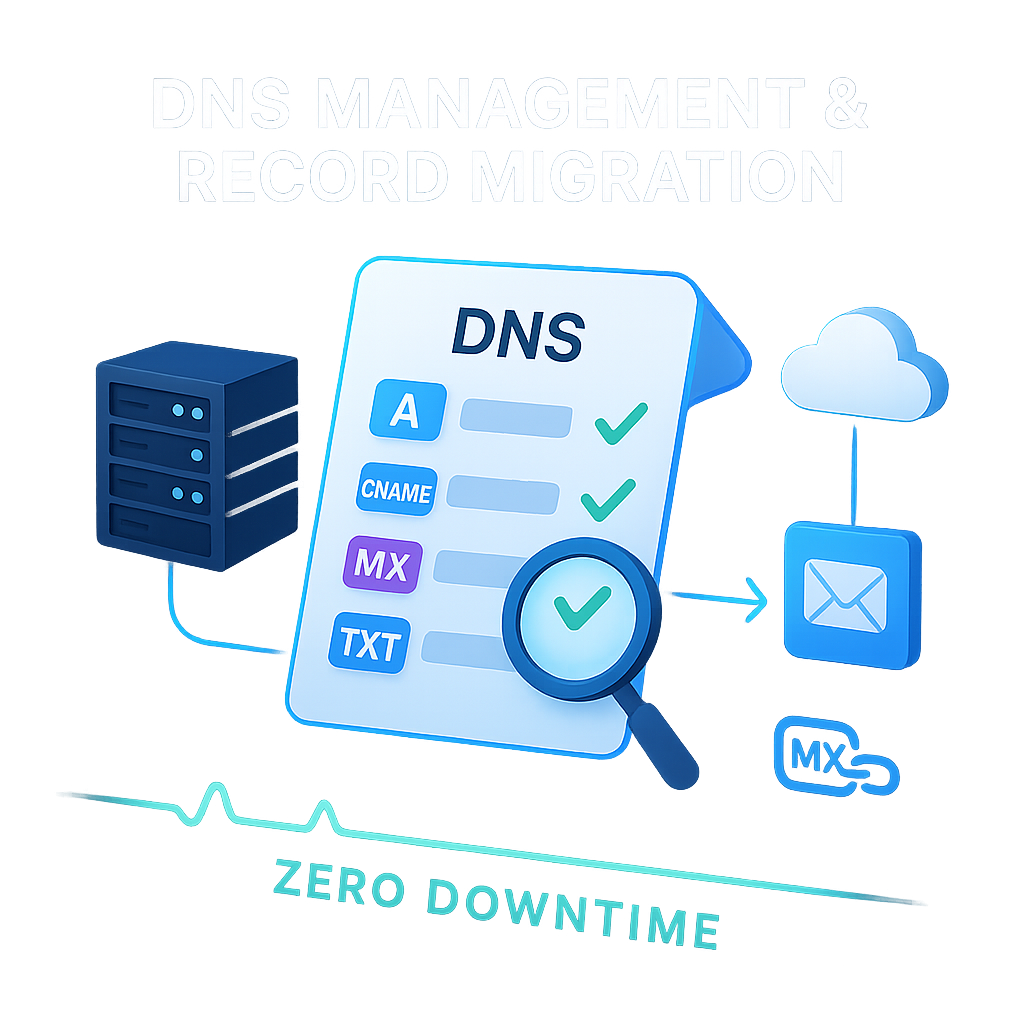
Clients migrating DNS to Cloudflare, Route 53, or registrar DNS get a clean, verified transition with zero-downtime c...