

WhatsApp and call integration for websites
WhatsApp Chat and Click-to-Call Integration
We install WhatsApp chat, click-to-call buttons, and a lead capture form on your site so mobile visitors can reach you in one tap.
Service Overview
Service businesses get a WhatsApp Business chat widget, click-to-call buttons, and a lead capture form installed on their website so mobile visitors can reach you in one tap instead of filling a form.
WhatsApp and call integration for higher conversions
Visitors on mobile rarely fill out web forms. They tap, they call, they message. For service businesses that convert better on conversation than on contact forms, the gap between a website visit and a live conversation needs to be one tap, not a five-field form. This add-on closes that gap.
We install and configure a WhatsApp Business chat widget, click-to-call buttons, and a lightweight lead capture form on your website so visitors reach you on the channel they actually use. The widget appears on every page (or on the pages you nominate), stays compliant with mobile visibility rules, and is configured to route messages to your chosen WhatsApp Business number. Click-to-call buttons trigger the native dialer on mobile and show a copyable number on desktop.
The lead capture form is wired to your existing email inbox or CRM handoff so no enquiry falls through the cracks. We set up greeting messages, working hours handling, and analytics tagging (Google Analytics or Google Tag Manager) so you can measure how many visitors reach out via each channel. The setup is tested on WordPress, WooCommerce, and standard PHP and HTML sites before handover.
This add-on is intended for service businesses where a conversation converts better than a form submission, which includes clinics, agencies, coaches, tradespeople, real estate teams, and B2B service providers. It is a one-time setup attached to your active Starter or Standard maintenance plan, which means the ongoing maintenance of the widget (version updates, fixes after theme changes) is covered by your plan and not billed here again.
One-Tap Reach
Mobile visitors message or call you in one tap instead of abandoning a five-field form.
Two-Day Setup
Widget, call button, and lead form go live within two working days of receiving your inputs.
Measurable Channels
Chat opens and call clicks tag into Google Analytics so each channel proves its return.
What is Included
Checklist
How It Works
Share inputs
You send us the WhatsApp Business number, call number, working hours, greeting text, and the pages where the widget should appear.
We install
Our engineer installs and configures the chat widget, click-to-call button, lead form, and analytics tagging on your site.
Test and handover
We test chat, call, and form submission on mobile and desktop, then share a handover note covering future tweaks.
Yes. You provide the WhatsApp Business number you want messages routed to. We do not create or verify WhatsApp Business accounts on your behalf.
We deliver within 2 working days of receiving your WhatsApp number, call number, working hours, and greeting text. Delays in providing those inputs extend the turnaround proportionally.
Yes. The setup is tested on WordPress, WooCommerce, and standard PHP or HTML sites. Compatibility checks happen on a staging copy first where one is available.
Yes. You can nominate specific pages or page types during setup. Site-wide is the default, but the widget can be limited to landing pages, service pages, or product pages.
We configure greeting text and working hours so visitors get a sensible response outside business hours. A fallback message can prompt them to leave details via the lead capture form.
No. The add-on covers a click-to-chat widget that opens a conversation in WhatsApp. Custom chatbot flows or WhatsApp Business API setup is out of scope and quoted separately.
No measurable impact. The widget loads asynchronously and is configured to defer until after the main page render so Core Web Vitals are not affected.
Yes. Chat opens and click-to-call events are tagged in Google Analytics or Google Tag Manager so you can compare which channel drives qualified leads.
Your active Starter or Standard maintenance plan covers the fix. If your plan is deactivated, post-setup fixes are billable separately.
- This is a one-time setup service charged per site. The fee covers installation and configuration only. Ongoing maintenance of the widget is covered by your active Starter or Standard plan and is not billed separately here.
- You must provide a valid WhatsApp Business number, the call number, working hours, and the greeting text within 7 days of purchase. Delays on your side extend the turnaround proportionally.
- Refunds are available only if we have not started work. Once installation begins on the live site, the fee is non-refundable because third-party widget accounts and analytics tags have been provisioned.
- The service assumes you control the WhatsApp Business account. We do not create or verify WhatsApp Business accounts on your behalf.
- Scope is limited to what is listed in the Specifications section. Any out-of-scope additions, such as chatbot flows or helpdesk integrations, will be quoted separately.
- If a future theme update or plugin change on your site breaks the widget, your active maintenance plan covers the fix. If you deactivate your maintenance plan, post-setup fixes become billable.
- We will document the configuration in a short handover note so your team or a future vendor can adjust the greeting, hours, or routing without needing fresh setup work.
Related Services
You might also be interested in these services.
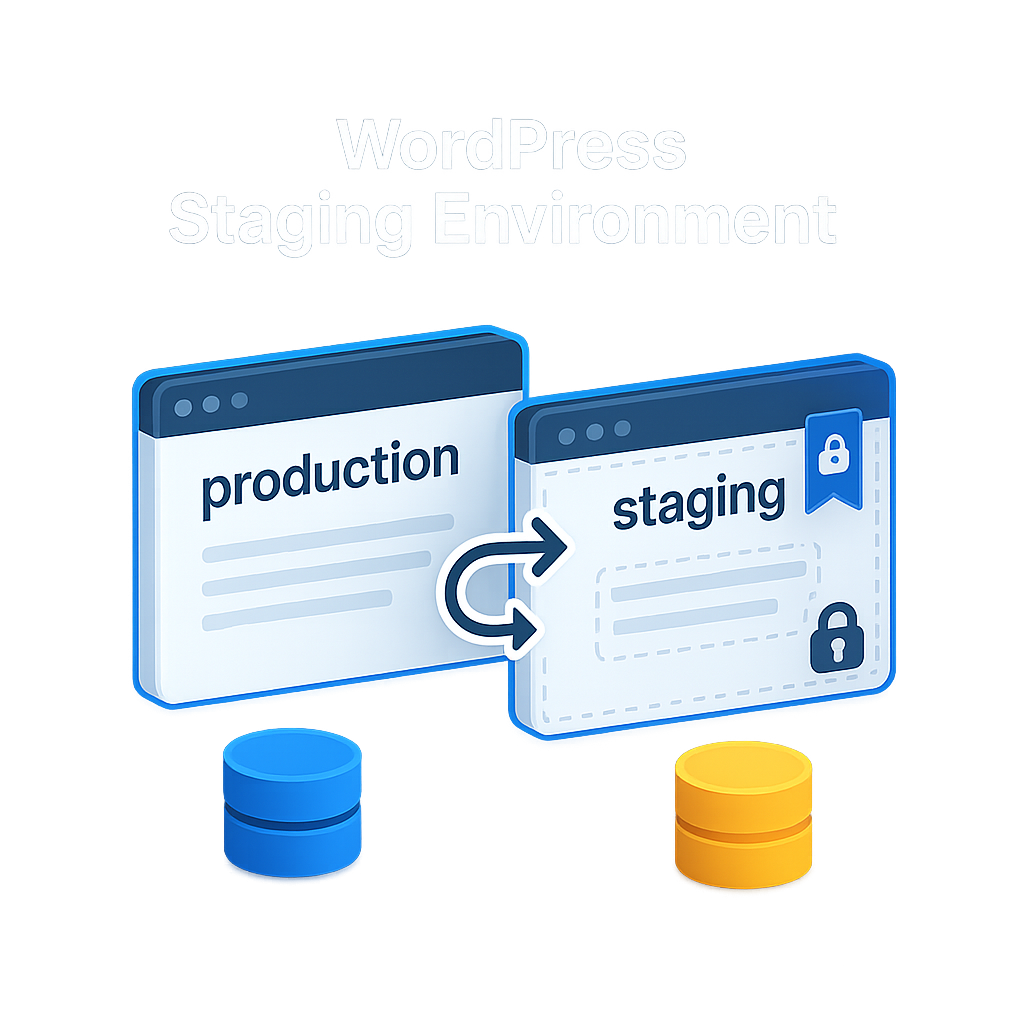
Starter and Standard clients get a dedicated staging copy of their WordPress or WooCommerce site, so you can test cha...
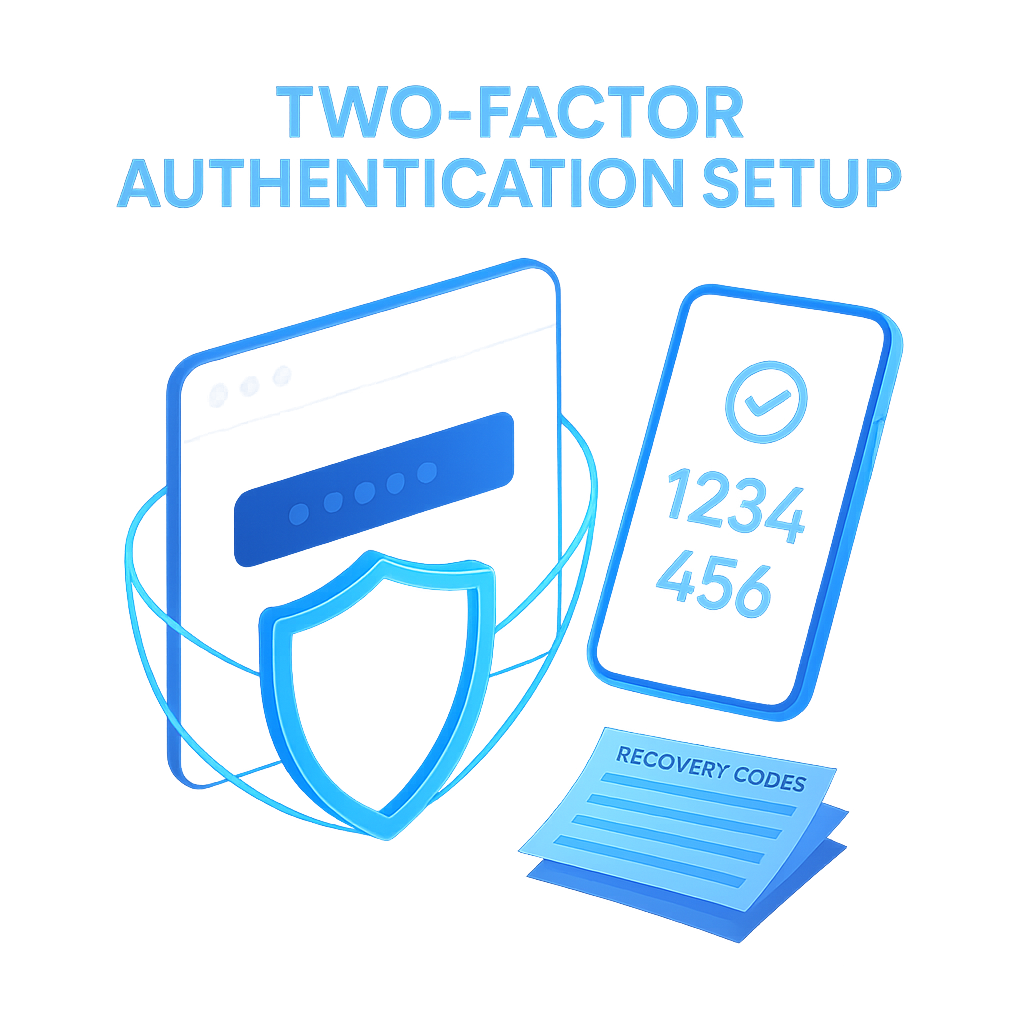
Stronger login protection for your WordPress site, hosting panel, and domain registrar - set up in one supervised pass.
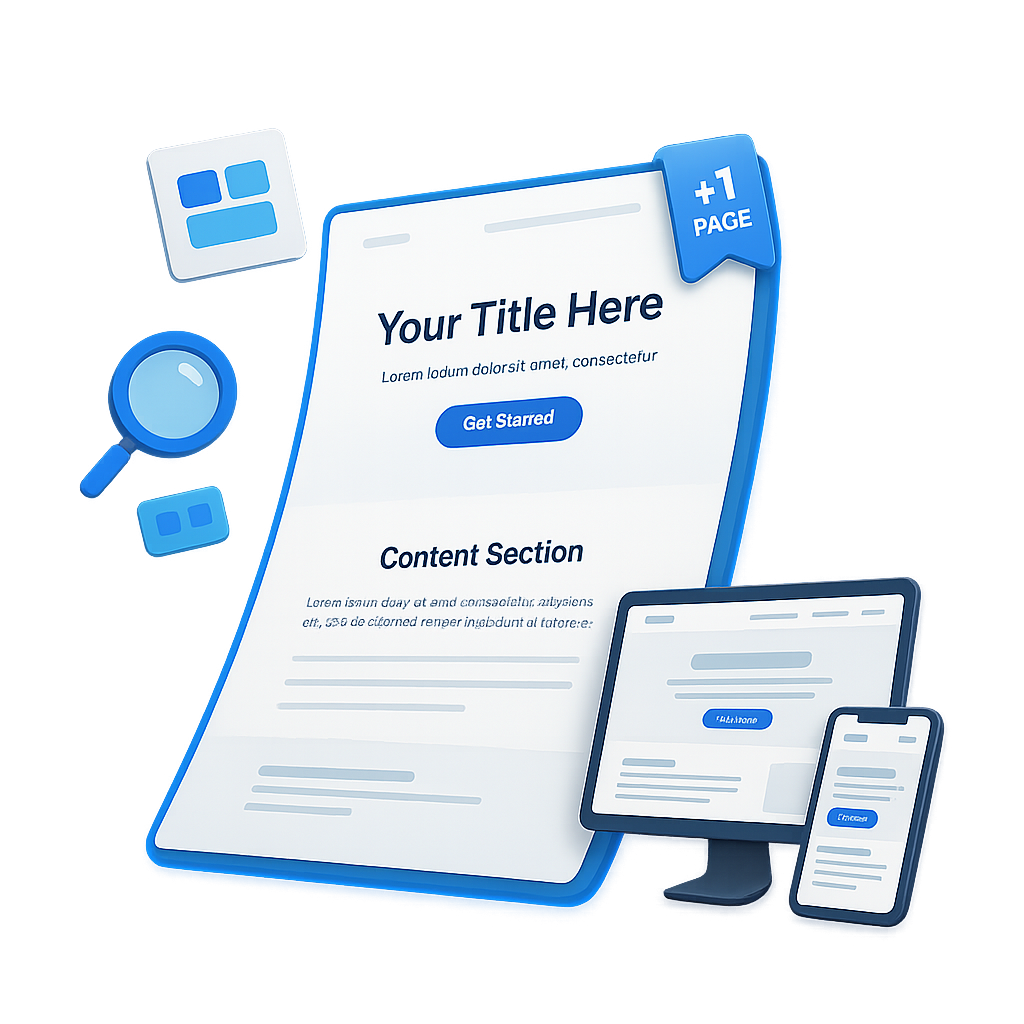
Marketing teams get a professionally designed new page, built on-brand and without touching monthly edit hours. Bille...
 New
New
A one-time service to clean and optimise your WordPress database, enhancing performance and reducing size. Ideal for ...
Clients switching registrars get a clean, end-to-end domain transfer with zero DNS downtime and no email disruption. ...
A one-time speed pass that fixes the layers actually moving PageSpeed scores - without locking you into a monthly ret...