

Staging Environment for WordPress & WooCommerce
WordPress Staging Environment Creation
A safe copy of your site where plugin updates, theme changes, and code fixes can be tested before they reach production.
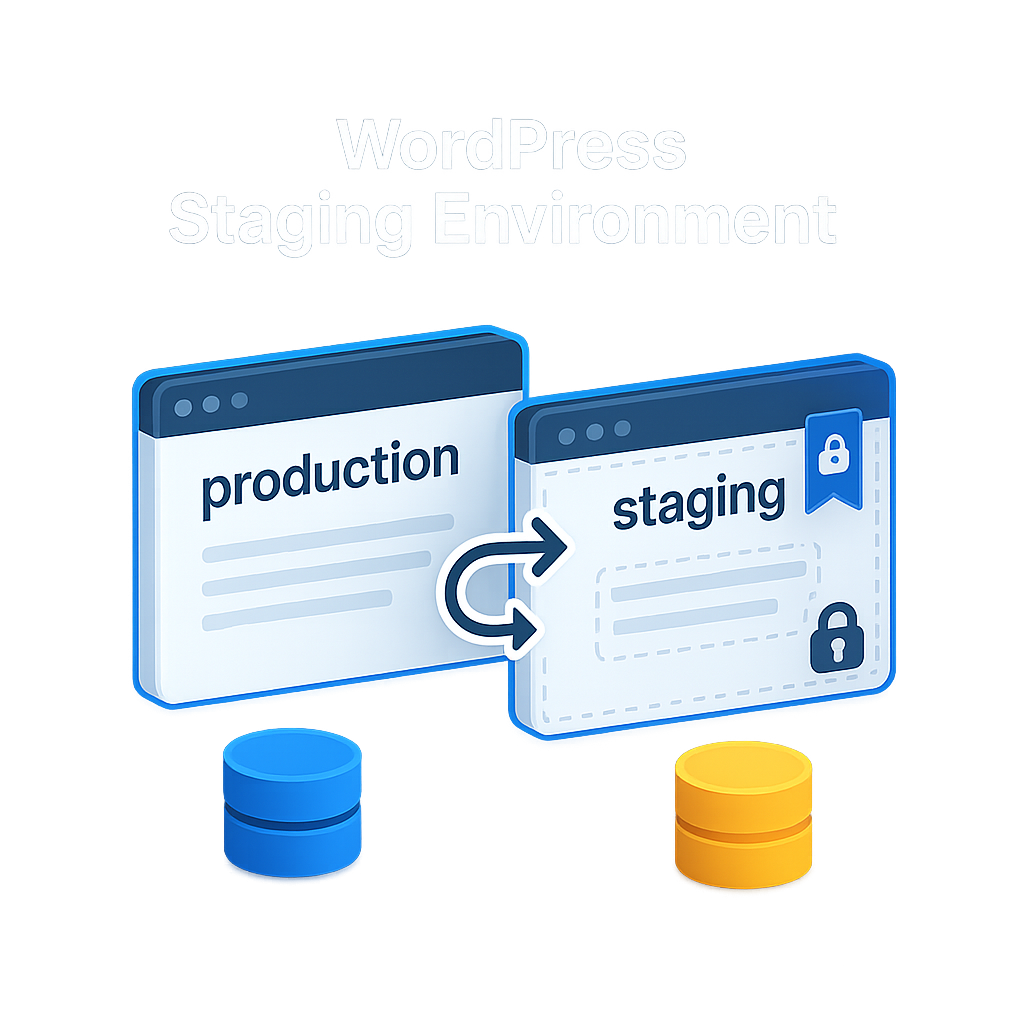
WordPress Staging Environment Creation - Service Overview
Starter and Standard clients get a dedicated staging copy of their WordPress or WooCommerce site, so you can test changes safely before they reach production. One-time setup, same tooling Manage clients already receive by default.
Starter and Standard maintenance plans include everything you need to keep a production site healthy, but they do not ship with a staging environment by default. This addon creates one for you, so you can stop testing plugin updates, theme changes, or custom code on the live site and risk breaking something in front of real customers.
Our engineers build the staging environment as a full copy of your production WordPress or WooCommerce site. That includes the database, uploads, theme files, and active plugins, all configured on a protected subdomain that search engines cannot index. Access is restricted so only you and our team can see it.
What you get
- A complete clone of your production site, structured to match what Manage plan clients already receive.
- Isolated database and file storage, so anything you break in staging stays in staging.
- Access controls that keep the environment private and out of search engine indexes.
- A handover document with the URL, login details, and a short note on how to use it.
This is a one-time creation. Once the staging environment is live, it remains available for your use under your existing maintenance plan. Ongoing sync between staging and production (push and pull operations) is a separate scope and not included in this one-time setup.
Buy this if you are on the Starter or Standard plan, run WordPress or WooCommerce, and want a controlled place to test changes before they reach customers. It is not available for the All Platforms track, which uses a different delivery model.
Real production clone
Full site copy with database, uploads, themes, and active plugins — not a synthetic sandbox.
Private and unindexed
Access protection plus blocked search indexing keeps your staging URL out of public view.
One-time fee
Pay once and keep the environment under your existing Starter or Standard plan — no recurring cost.
What is Included
Checklist
How It Works
Order confirmed
You receive a confirmation email within 15 minutes, and our team is notified to begin scope alignment.
Kickoff and credentials
Our engineer confirms the target site, preferred subdomain, and collects access credentials needed to build the clone.
Clone and configure
We copy your site to the staging subdomain, apply access protection, and disable search engine indexing on the new environment.
Handover
You receive the staging URL, login credentials, and a short note covering how to use the environment responsibly.
Starter and Standard plans focus on production-site care — uptime, security, and routine maintenance. Manage-tier clients receive staging as part of a wider scope; this addon brings the same capability to lower tiers as a one-time setup.
Your database, wp-content uploads, themes, and currently active plugins. Inactive plugins and unused themes are skipped to keep the staging copy lean.
On a protected subdomain of your own hosting account, configured by our engineers. No third-party hosting is introduced.
No. We block indexing via robots.txt and meta directives, and we gate access with HTTP basic auth or a plugin-based control, depending on your hosting.
Yes. Full WooCommerce data — products, orders, customers — is cloned so test outcomes reflect real production conditions.
No. This is a one-time creation. Pushing or pulling changes between staging and production after handover is a separate engagement.
Typically 2 to 5 business days from kickoff, depending on site size and hosting access.
Once the underlying Starter or Standard plan is cancelled, we no longer maintain or preserve the staging environment. The hosting account is yours, so the files remain with you.
- This addon is a one-time service. Once the staging environment is delivered and access is handed over, the engagement for this purchase is complete.
- This addon is available only to clients on an active Starter or Standard WordPress maintenance plan. If your underlying plan is cancelled, we do not take responsibility for maintaining or preserving the staging environment.
- The staging environment is built on your own hosting account. Any additional hosting cost (subdomain quotas, disk space, database count) is your responsibility and billed by your hosting provider, not by us.
- We require working admin access to your WordPress site, cPanel or hosting control panel, and DNS management, as applicable to your environment. Delays caused by missing or incorrect credentials do not extend the delivery SLA.
- Refund eligibility is limited to cases where we are unable to deliver due to reasons within our control. Requests raised after staging delivery is complete are not eligible for refund.
- Any client-side work done inside the staging environment after handover (custom plugin testing, experimental changes) is outside our scope unless separately engaged. We are not responsible for data or changes you make inside the staging copy.
- This service applies to WordPress and WooCommerce sites only. It does not apply to sites on the All Platforms maintenance track or to non-WordPress stacks.
- The staging environment is for internal testing and review only. Using it as a secondary production site, a public demo, or a distribution channel breaches this scope and may lead to access being revoked.
- All work is conducted under the confidentiality terms of your existing master service agreement with Aarav Infotech.
Related Services
You might also be interested in these services.
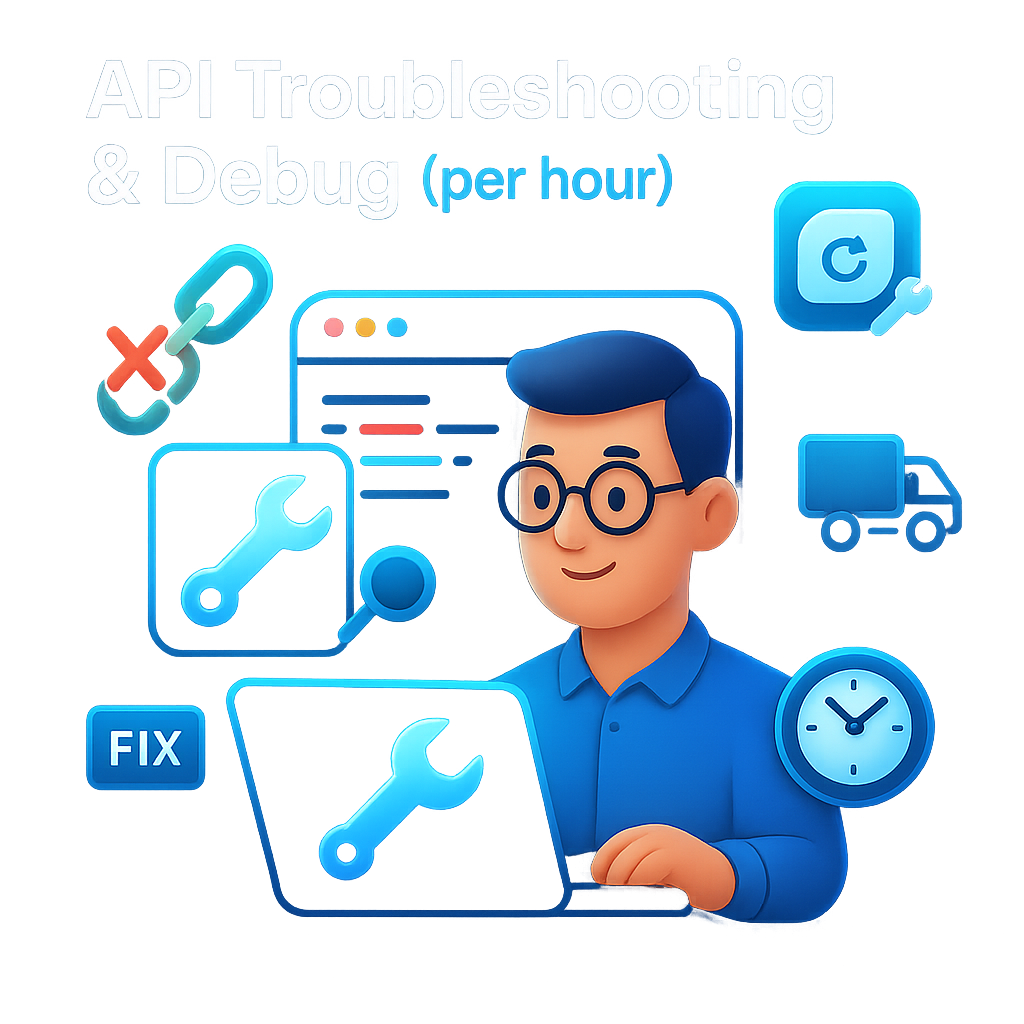
Teams facing broken third-party integrations get on-demand debugging from a senior engineer, billed by the hour. Avai...
 New
New
Businesses building a newsletter or nurture funnel get their website forms connected to Mailchimp, Klaviyo, or a simi...
 New
New
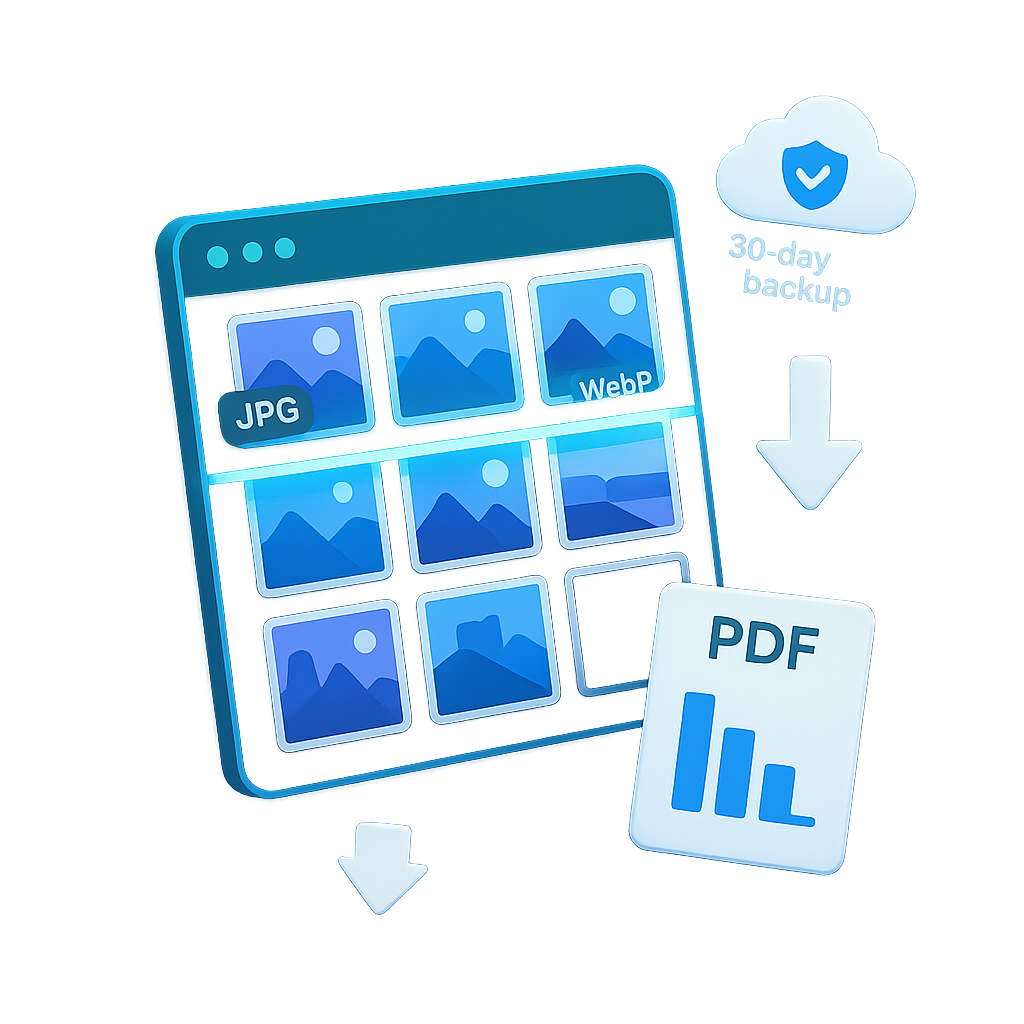
Faster page loads, lower hosting costs, and better SEO - through a complete one-time optimisation of your existing im...
 New
New
Service businesses get a WhatsApp Business chat widget, click-to-call buttons, and a lead capture form installed on t...

A unified maintenance program that combines security, backups, monitoring, performance, SEO, and human support - mana...
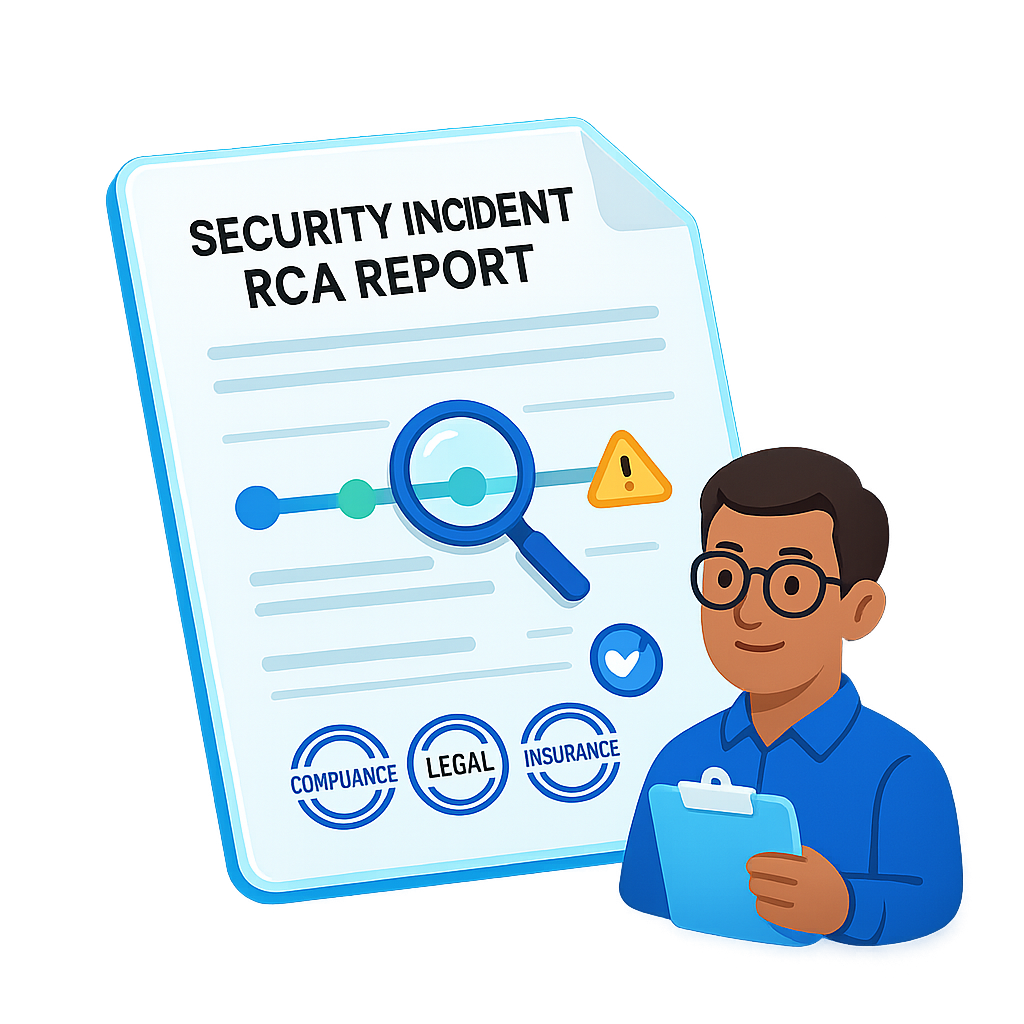
Standing RCA capability for clients on the Grow or Manage website maintenance plans. When an incident hits, you recei...